
AI companion on your phone, PC or hologram: what you can try today
You can have an AI companion without buying a hologram. A phone app or a character on your PC lets you start with equipment you already own. The useful question is where you want to talk to it and what you expect it to do: hold a conversation, keep you company while you work, or take action in other apps.
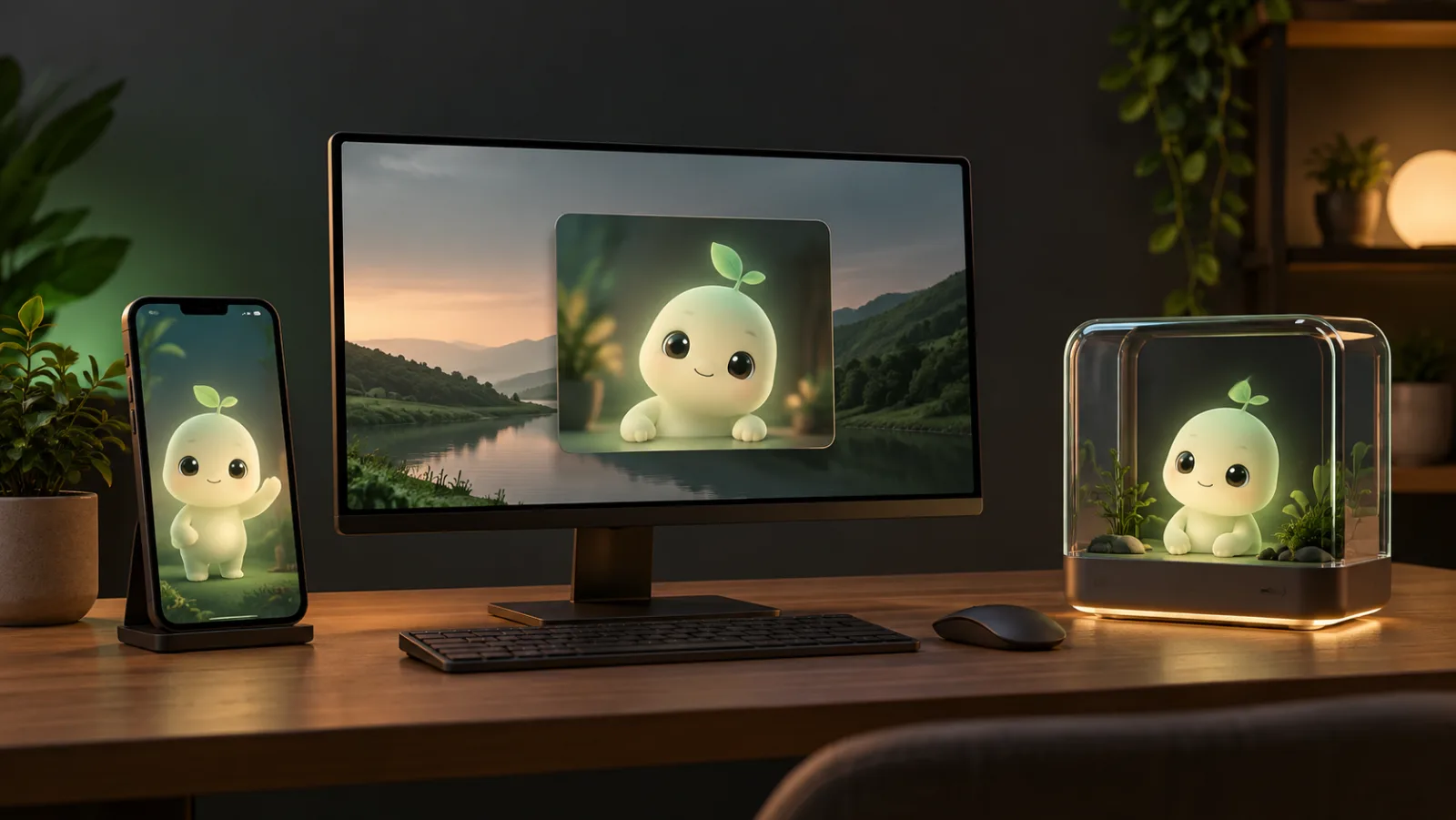
Sources checked on October 7, 2026. This guide uses public documentation. It is not a hands-on review of these products.
What is an AI companion, and what does the format change?
An AI companion is designed for a conversation with some continuity: a personality, preferences or memories that make returning feel less like starting from scratch. An avatar can give it a visual presence, but does not prove that it has persistent memory or can carry out tasks.
Separate three things: the character you see, the system generating replies, and where memories are stored. A dedicated screen changes how you engage with the character. It does not automatically improve its answers. Putting it next to your keyboard does not give it permission to control your computer, either.
Phone, PC and hologram: the practical differences
| What to compare | Phone app | PC avatar | Visual device |
|---|---|---|---|
| Where you use it | With you, when you open the app | On the screen where you work or play | In a separate object on your desk |
| What you need | Compatible phone and service access | Compatible PC and installed software | Hardware, software and model-specific connections |
| Presence | Depends on opening the app and notifications | Can share space with other windows | Can stay visible without occupying the monitor |
| Memory and voice | Depend on the service and plan | Depend on the app, model and configuration | Depend on software, not just the display |
| Costs to check | Plan and included features | Licence, PC resources and optional services | Device, shipping and possible ongoing services |
| First check | Whether returning to the conversation feels comfortable | Whether it keeps you company without distracting or slowing you down | Whether it ships to your country and adds something you need |
What you can use today: two software examples
On your phone: conversation before automation
Replika offers an iOS and Android app. Its help pages distinguish companionship from practical assistance: it is not designed to control other apps or reliably handle reminders and live information. It illustrates personal conversation rather than an agent taking action for you. Replika · Official help.
Before subscribing, check which chat, voice and customization features the plan shown in your account includes. Try the language you will use and see whether opening the app fits your usual routine. An advertised calling feature does not tell you how well it will work on your phone or connection.
On your PC: a character on the screen
AI Desktop Pet is sold on Steam. Its developer describes avatars, voice conversation and local models, with optional cloud services. The listing publishes system requirements. This is desktop software. It does not turn your monitor into a physical hologram. AI Desktop Pet / Steam.
We have not verified its performance or every feature: the developer listing is an example of the format here. Check compatibility, resource needs and screen-viewing permissions. If you connect a cloud provider, assess that mode separately from local use, including its cost and data handling.
What a hologram adds, and what is still pending
Razer describes AVA on screen and in a 5.5-inch device, with its estimated launch moved from H2 2026 to early 2027. Its software beta requires application and selection. Gatebox announced the end of the Japanese Gatebox3 campaign and plans for an international Kickstarter in winter. Those are not general retail availability. Razer AVA · Beta · Gatebox.
The difference to consider is a presence outside your monitor: looking at a character on your desk, talking without switching windows and giving it its own place. That may appeal even if you already use an app. But it does not guarantee independence from a PC, offline use, cross-brand synchronization or better memories. Each model needs checking.
For the hardware status, see our AI hologram guide and Razer AVA availability by country. What is an AI hologram? · Razer AVA availability.
The real cost also includes continuity
Work out a year of costs: purchase or licence, twelve months of the plan you need, and extras you will actually use. For hardware, add shipping and taxes under the sale terms. Comparing a basic app with a device price is not useful if they include different services.
Then ask what happens to your character when you change plans, computers or providers. Check what you can save, export and delete. Memory need not be a full transcript: Replika, for example, documents visible memories and others drawn from conversation patterns. Do not assume copying an avatar also copies its memory. Replika memory documentation · Our guide: what an AI companion remembers and how to delete it
A seven-day trial before buying hardware
This is an exercise we suggest to readers, not the results of our own test. Choose one app and record these observations over a week, with a spending limit set in advance.
1.Days 1–2: conversation
Use your usual language and an everyday topic. See whether you can interrupt, correct and resume without repeating everything. Try voice if it is included in your access.
2.Days 3–4: continuity
Introduce a simple, non-sensitive preference, such as liking brief answers. Return the next day and see whether it sticks. If there is a memory section, check whether you can correct it.
3.Days 5–6: presence
Use it during the activity you want it for: a break, work or gaming. Note whether opening the app feels natural, whether the avatar distracts you and whether it consumes resources needed elsewhere.
4.Day 7: the decision
Ask what is missing. If it is conversation or memory, look for better software. If it is a visible presence outside the screen, investigating hardware and access in your country makes sense.
Our take: choose the experience first
We would start with a phone for conversation in different places, or a PC for a character alongside your windows. We would consider a physical device once you know that presence on your desk is part of what you want. That means buying a format for a specific use, rather than hoping the appearance of a hologram will solve a need you have not yet defined.
Frequently asked questions
Do I need a hologram to have an AI companion?
No. Software companions exist for phones and PCs. A hologram or visual device adds another form of presence. Capabilities depend on the software.
Does every desktop pet have AI?
No. An animated character may only react to clicks or play animations. Check whether it includes conversation, which model it uses and whether it needs an external service.
Can it work without the internet?
It depends on the app and selected mode. A local model may allow offline conversation, but that does not apply to every feature or every device.
Can I move the same character from my phone to any hologram?
Do not assume universal compatibility. Check the specific service account, supported formats and synchronization. An avatar and its memories are separate things.
Sources and method
We compare formats and official documentation checked on the date shown. Third-party features are attributed to manufacturers or developers. We have not installed the apps or received hardware units for this guide. The suggested trial and selection criteria are our editorial judgment. Check prices, plans and access before purchasing.